Every project you manage, in one window. A real editor, a real terminal, source control in plain English, an API tester — and any command-line assistant you like, under whatever name you give it.
Build by Akshay Kotish & Co. · www.akshaykotish.com
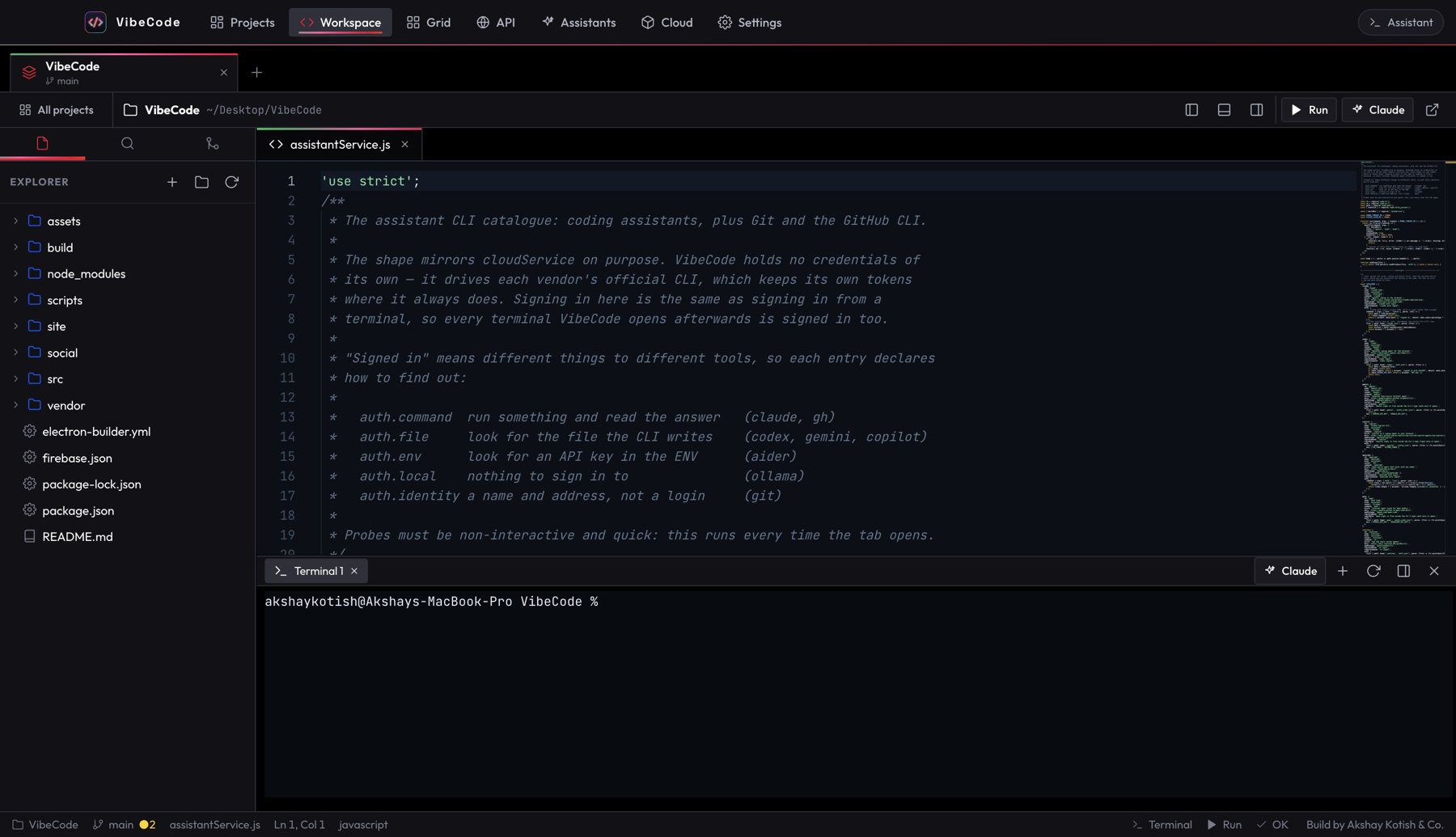
Open several projects at once as tabs across the top — each keeps its own files, terminals, branch and layout. Switching is instant, because nothing is torn down. Need to watch more than one at a time? Grid mode puts up to six side by side, each with its own assistant and file tree.
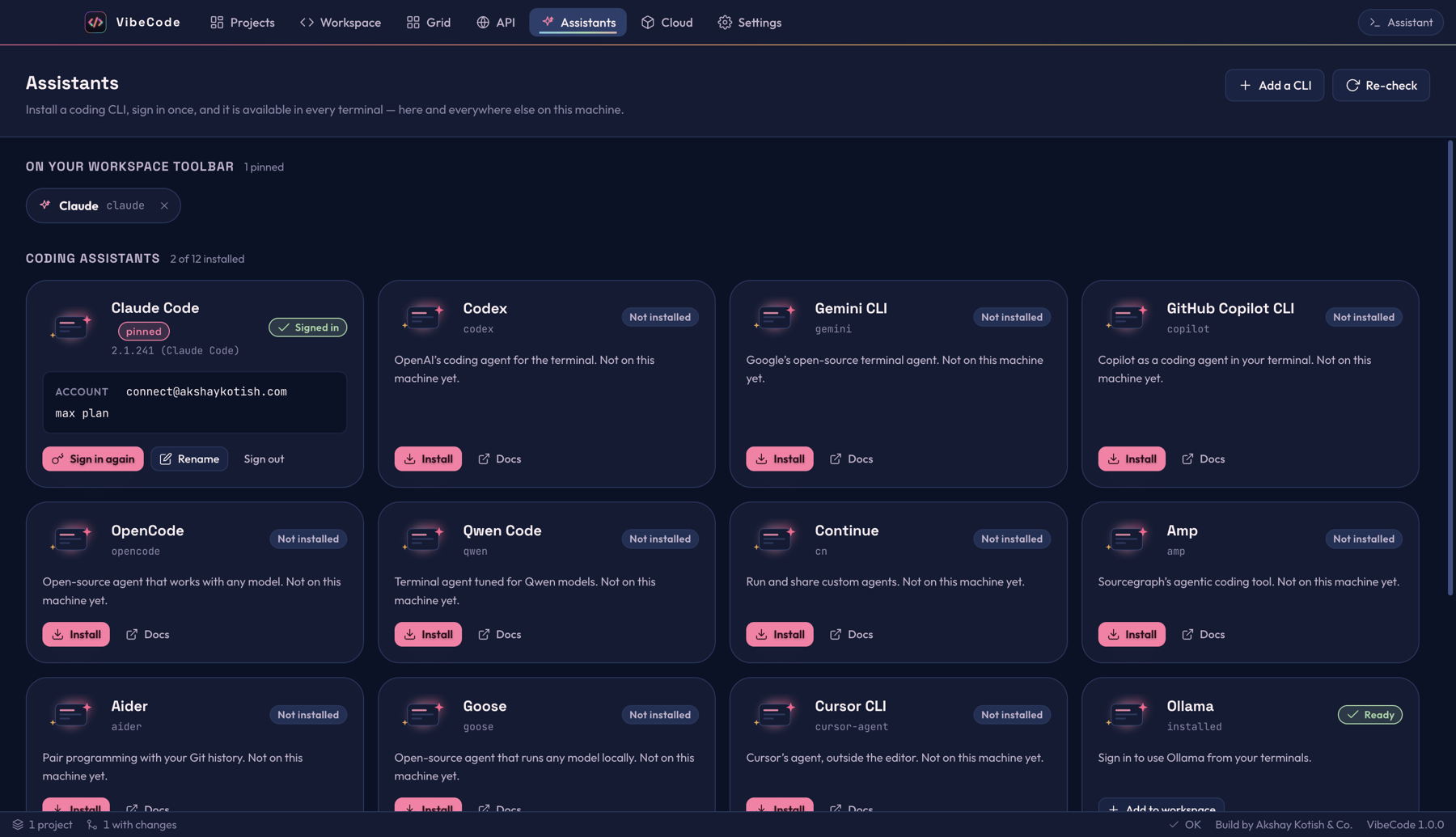
VibeCode is not tied to one vendor. It knows fourteen command-line tools out of the box — and any other CLI can be added in a dialog. Install it, sign in once, then pin it to the toolbar under a name that means something to you: Reviewer, Docs bot, whatever fits how you work.
Claude Code, Codex, Gemini, Copilot, OpenCode, Qwen, Continue, Amp, Aider, Goose, Cursor, Ollama — plus Git and the GitHub CLI.
Each tool keeps its own credentials where it always does. VibeCode never sees them, and every terminal it opens is already authenticated.
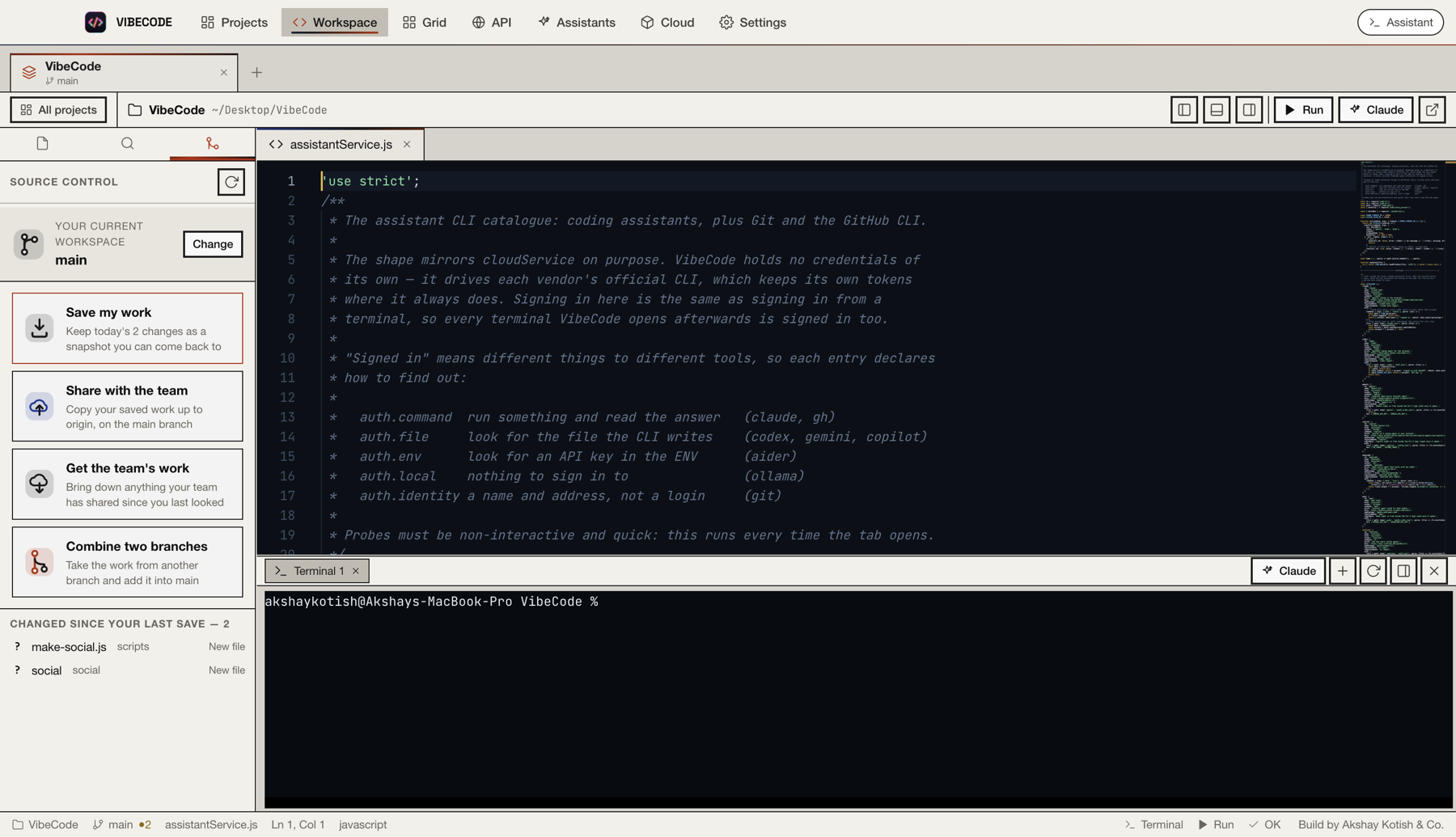
Version control is the thing that stops people using version control. So the panel says what the buttons do, in the words a person would use — and does the real git underneath, unchanged.
The branch you are on is shown on the project tab at all times. Merges explain what is about to happen, in full, before anything moves.
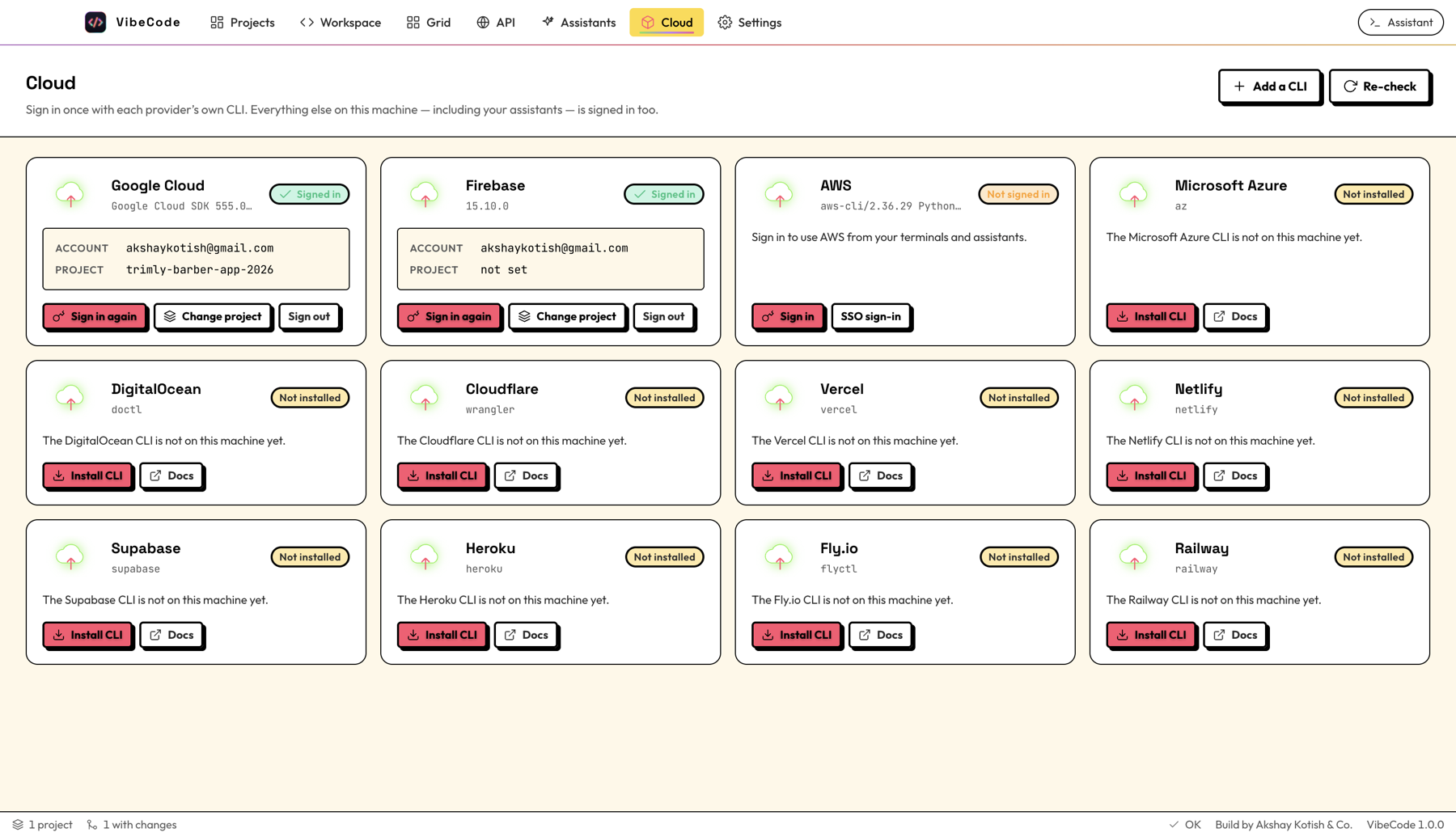
Twelve cloud CLIs, set up from one screen — install, sign in, pick a project or region, sign out. VibeCode drives each vendor's own tool, so your terminals and your assistants are authenticated too. Anything it does not ship knowledge of, you can add yourself.
Google Cloud · Firebase · AWS · Azure · DigitalOcean · Cloudflare · Vercel · Netlify · Supabase · Heroku · Fly.io · Railway
There is a Postman-style API tester in here too — collections, environments, history, and every response shown properly.
It is not another editor fork. It is the layer above the editor — the part that has always been left to you, your terminal history and your memory.
The same projects open in the same order, the same files at the same cursor, the same panels, pane sizes and terminal dock — and the assistant you had running starts again.
Assistants are just commands. Nothing is hard-wired to one vendor, so switching tools is a dialog, not a migration.
VibeCode holds no tokens of its own. It runs each vendor's CLI, which keeps its own — the same as signing in from a terminal.
Each theme changes colour, corner radius, shadow and weight together. Pick one when you install, change it whenever.
Search, tag, star and archive across everything you manage, with live git status on every card — not one folder at a time.
A built-in error manager records what went wrong and where, with a rolling log on disk, instead of failing quietly.
Version 1.0.0. Free, no account, nothing to sign up for. Twelve builds across macOS, Windows and Linux — the macOS ones notarised by Apple.